How they do that: Digital accessibility at the province of North Brabant
How do they do it? An understandable question, especially with something as important as digital accessibility. That's why we like to give you a peek behind the scenes of other organizations. This time: an interview with Ed Giezenberg, digital accessibility project leader at the province of North Brabant.
“Digital accessibility is a question for the whole organization. Not just for the communications department,” Ed begins. ”What helps us a lot to get digital accessibility on the agenda is working together with other provinces. In the Interprovincial Consultation (IPO) we exchange tips, issues and good examples.”
Appoint a project leader
Ed is project leader in the IPO working group dealing with digital accessibility. “As a working group, we also give advice on solutions. Our first advice: appoint a project leader in your province. Someone who draws attention to digital accessibility and gets leeway to get things done.”
Of course, a project leader doesn't have to do that alone. “You can't address everything at once, so we have to put issues in order of how important they are. And how much time it will take to solve them. I do that together with a strategic communications consultant and a strategic information consultant.”
Intranet put to full use
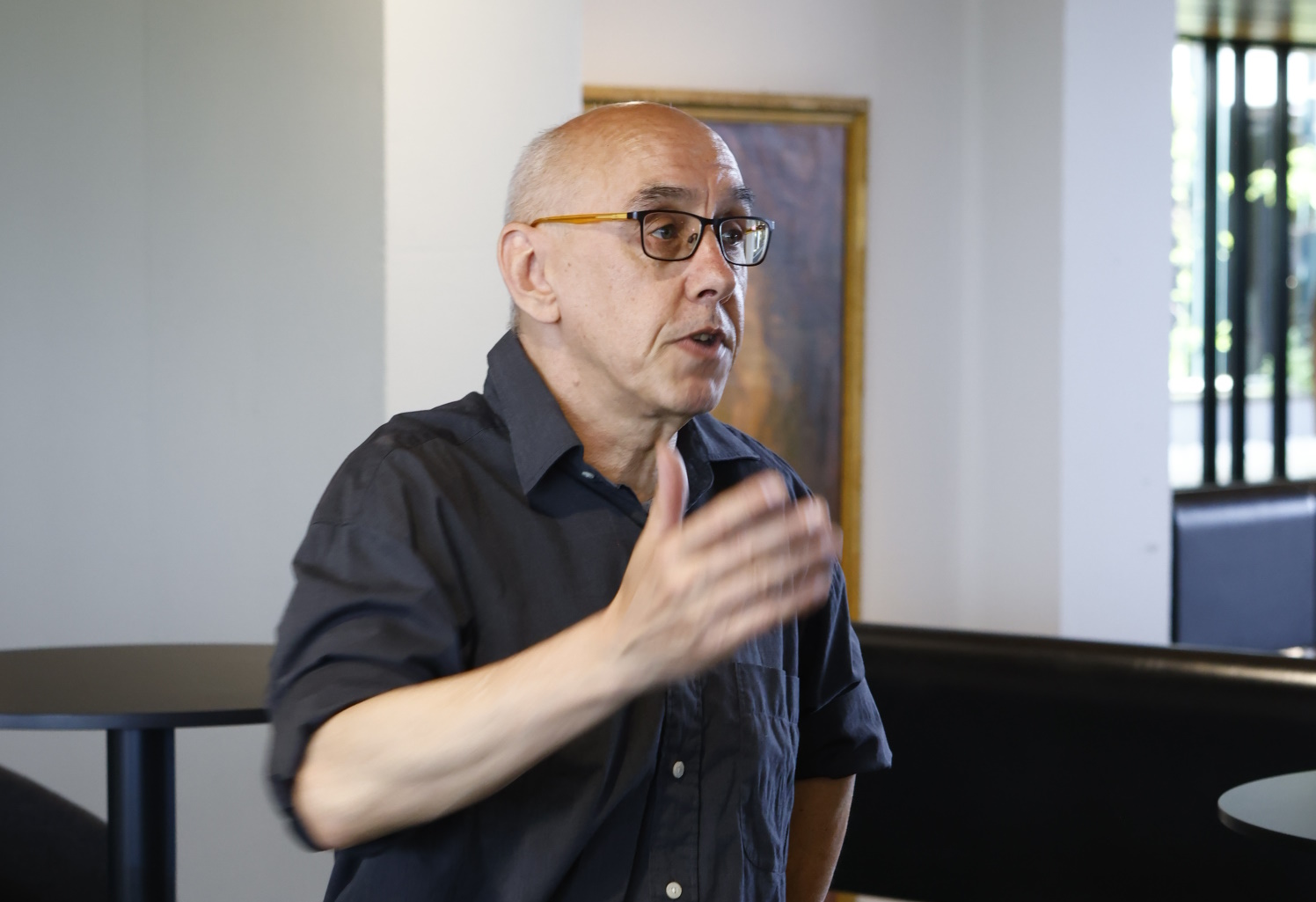
Just to bring attention to the importance of digital accessibility, Ed explains: “By now, about 60 people have joined my intranet group of their own accord. I also post something on the intranet for the entire organization at least once a month. My experience now is that this 'missionary work' is well received. If there is a question about digital accessibility, by now everyone knows where to find me.”
More than just sending
By the way, it's not just sending. “I also regularly ask something. For example, now that we are working on accessibility research for all websites of the province of North Brabant. Then I post an update about it and ask if any websites are missing from my overview. That helps, because there turned out to be a lot of websites that I hadn't mapped yet.”
Something else that Ed says works well on the intranet: putting out a poll. “For example, the question: what kind of knowledge do you need? I get a lot of response to that.” Many questions are about creating accessible PDFs, doing accessibility research and making sure there is an accessibility statement.
Digital Insights Platform
For insight into what websites exist and how well they “score” in terms of accessibility, DIP is a very valuable tool for Ed. “DIP stands for Digital Insights Platform. This tool helps me keep an overview of all the websites we use as a province. For example, with DIP I can immediately see which websites do and do not meet accessibility requirements. And for each website I can immediately see the corresponding accessibility study. You have to link this study in DIP, but that's easy to do.”
The use of DIP is still in the pilot phase, Ed explains: “I also want to use DIP to keep track of the progress per website in meeting legal requirements for accessibility. So that I can, for example, commission Swink from DIP to conduct an accessibility study. And that Swink then puts the research results into DIP. I can then have the findings for a website picked up immediately. And hopefully eventually even have the accessibility statement updated in the registry at the click of a button.”
This is also one of Ed's ambitions right away. “DIP must become the single truth regarding digital accessibility within our organization. But it goes beyond that: we have to comply with the Digital Government Act. Digital accessibility is part of that, just like data security and user privacy. DIP provides insight and support in this as well.”
Provide an accessibility officer
How does the province of North Brabant plan to continue working on digital accessibility? “Another advice from our IPO working group is: appoint an accessibility officer. This advice was received positively by all provinces. You can fulfill such a role in a small way. But our advice, especially for larger provinces, is to make this a full-time position. This person can then build a team to make digital accessibility a permanent part of all processes.”
An accessibility officer has two important tasks: making sure there is a policy in place and implementing (or having implemented) that policy. “So think of website testing, making sure accessibility statements are up to date, and taking measures to improve accessibility. We are going to see if we can position this role in the same way as a security officer and privacy officer. After all, these are already the responsibility of our Chief Information Officer (CIO).”
Take steps you can repeat
Does Ed have another tip? Sure does. “Digital accessibility is huge. It touches the organization, processes, technology, content and people. Chop up big issues into small pieces. Pick up one issue at a time that is relevant at that moment. And find the right people for that, such as a lawyer, a procurer or a form builder.”
And only take steps that you can repeat, Ed emphasizes, “For example: we have now agreed for all province websites to be reviewed for accessibility at least once every two years. We do not yet have a central team to address this, but I have involved all website owners in the reports. Now I can give them the accessibility surveys each time and ask them to work on the findings.”
